Gallery
How does it look?
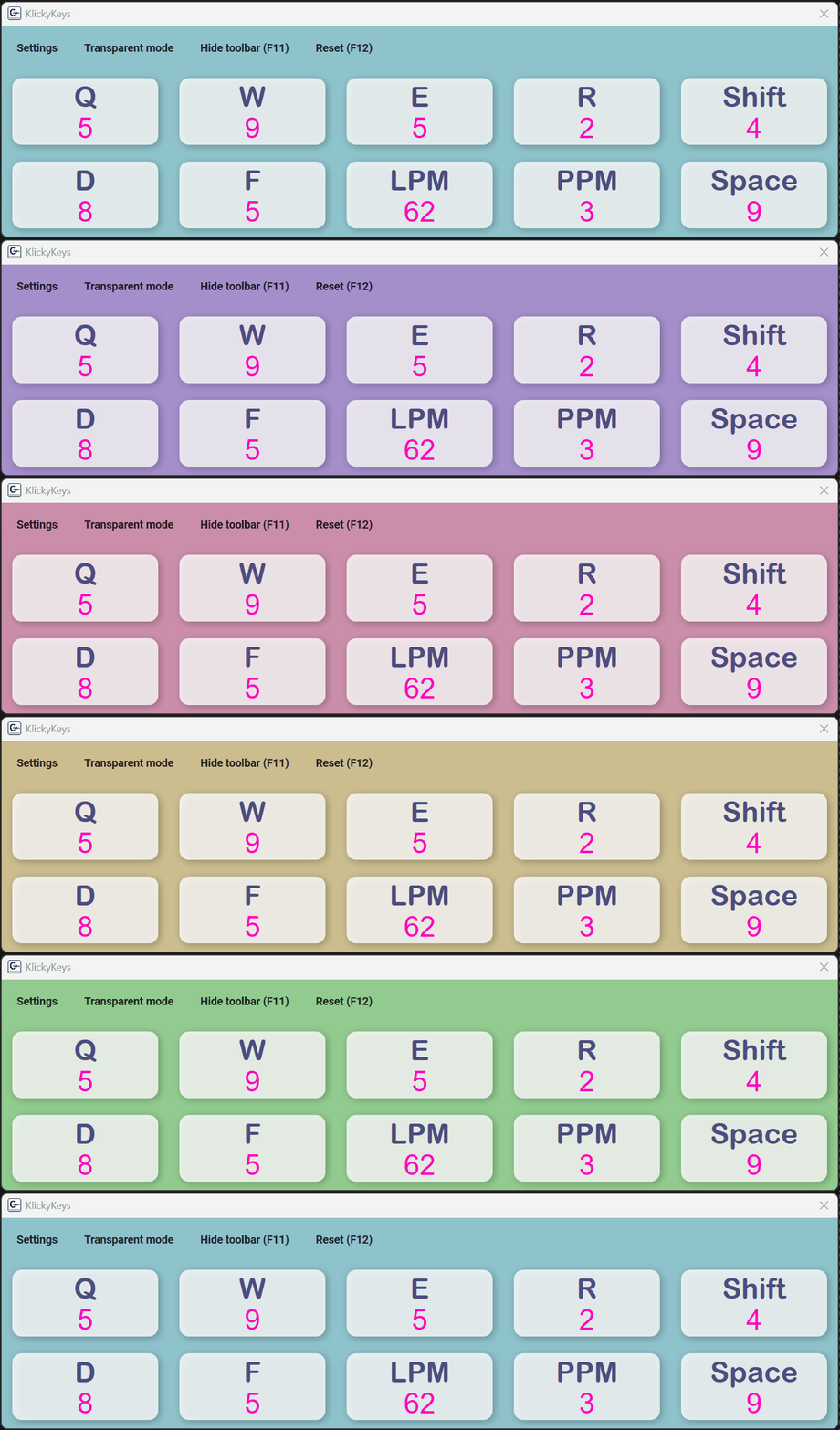
Colors, fonts, grid layout – everything is yours to set. Below are a few examples of what users create, the animated rainbow mode, plus the settings and statistics windows.
Overlay themes
Three examples of custom panels – any colors, any font, any layout you want.
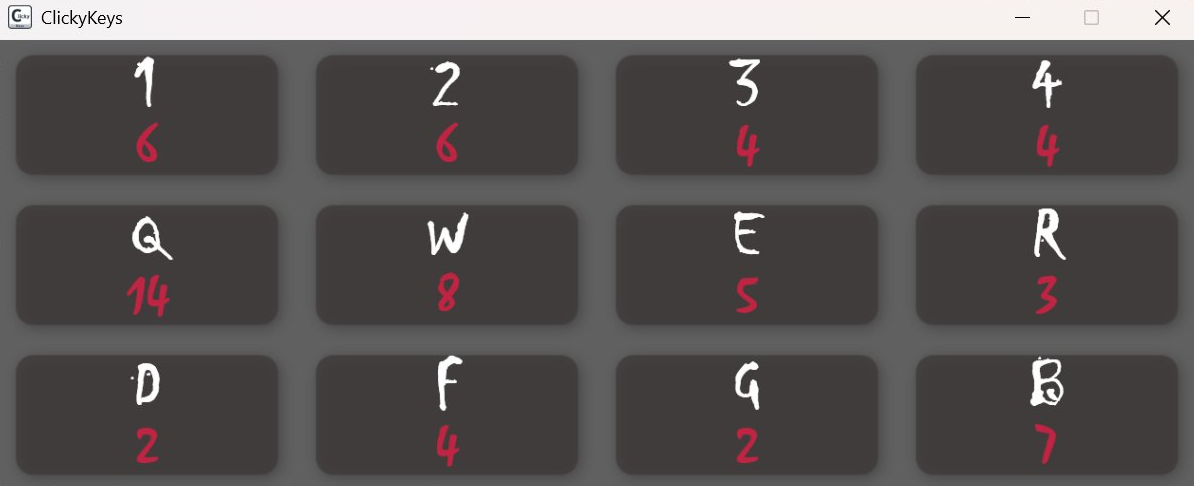 Dark
Dark
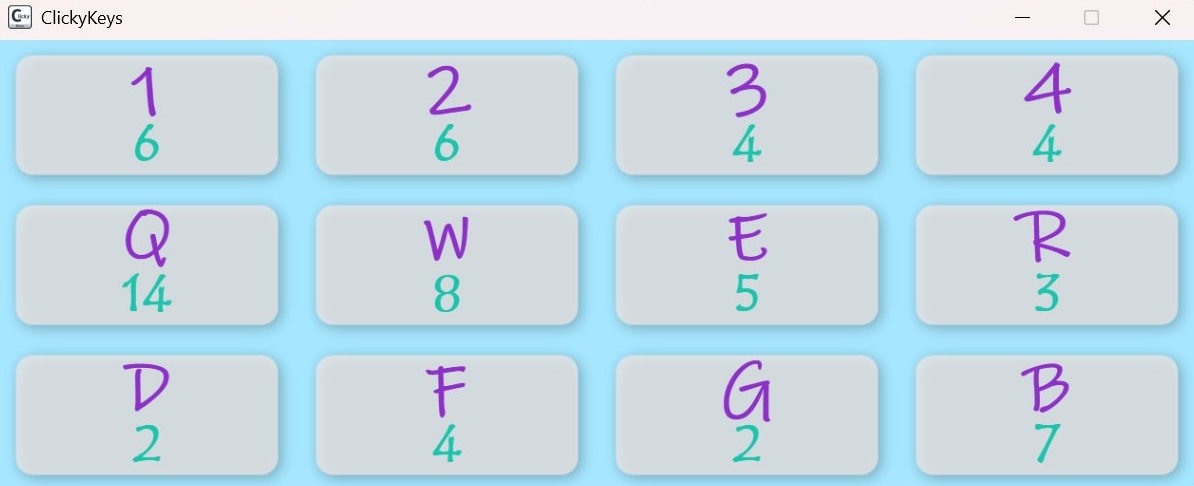 Blue
Blue
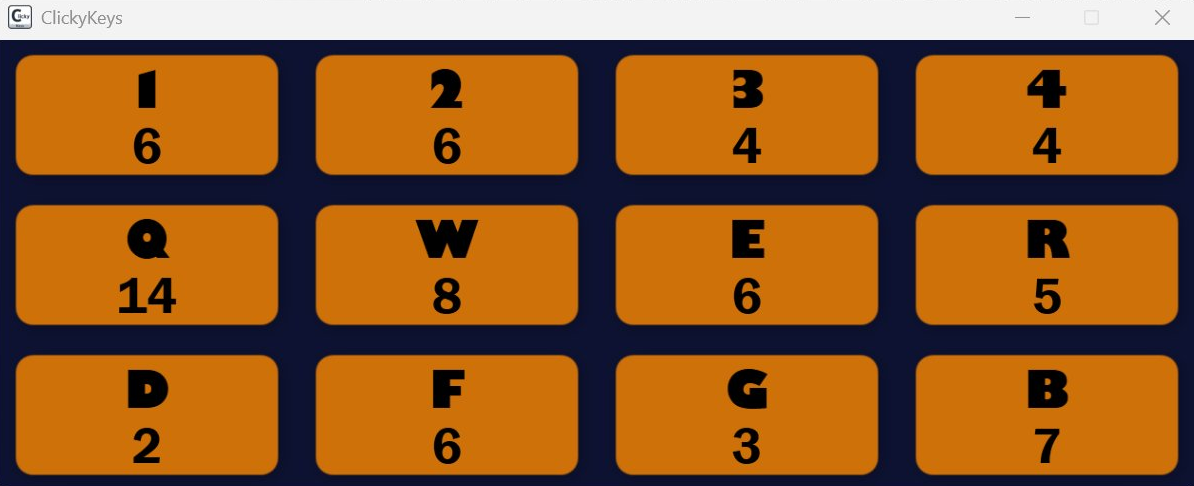 Orange
Fully customizable – any colors, any font, any layout you want.
Animated rainbow mode
Settings & statistics
Tweak everything in the settings panel and track long-term usage in the local statistics window.
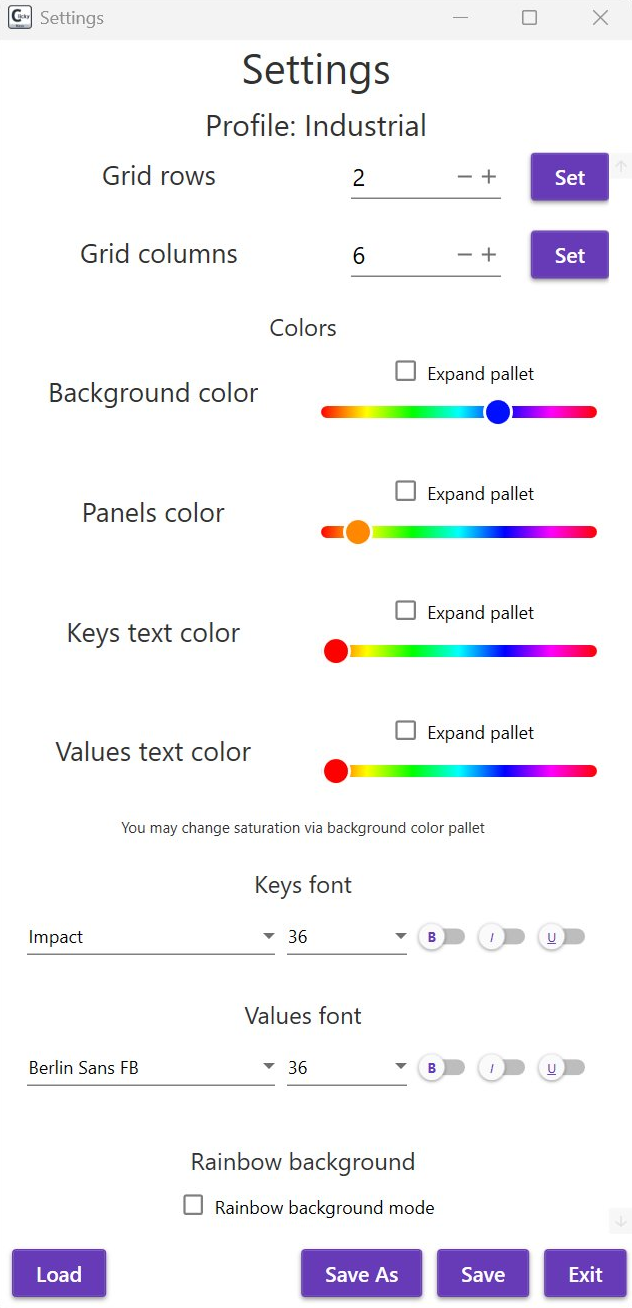 Settings – colors, fonts & profiles
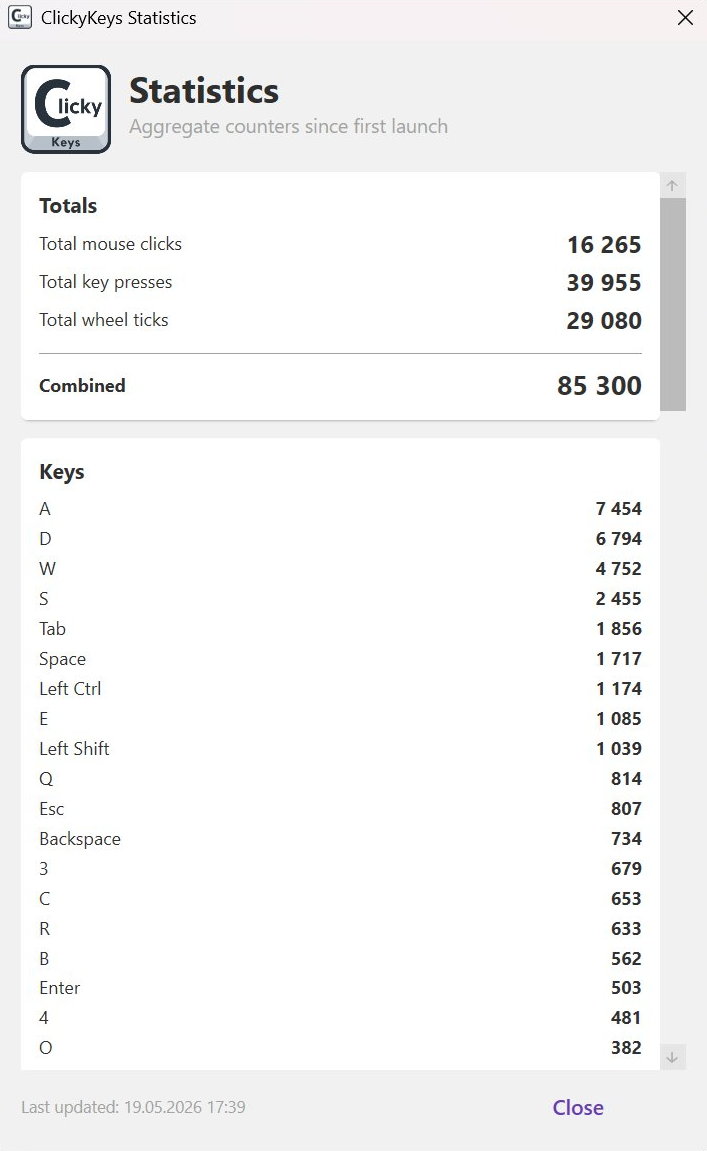 Statistics – key & click counters since first launch